
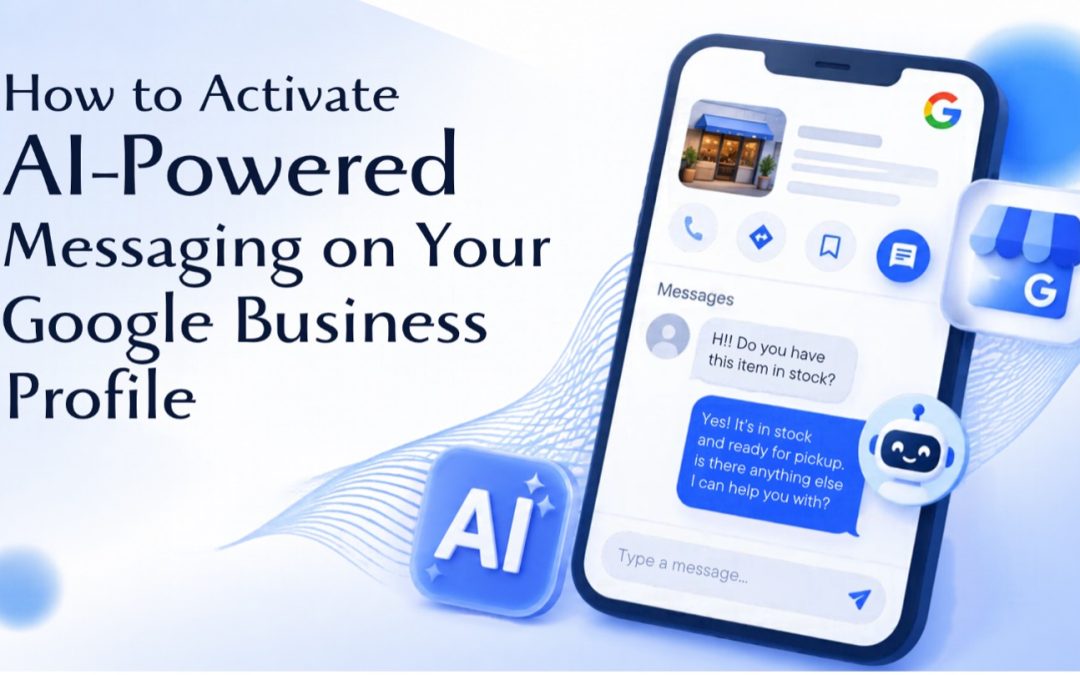
How to Activate AI-Powered Messaging on Your Google Business Profile
Picture a customer searching for a local service at 9 p.m. They find your Google Business Profile, have a quick question about your hours or whether you serve their area, and don’t feel like calling. In the past, that question either waited until morning or went to a competitor who answered first. Right now, Google is working to change that with the introduction of AI-powered messaging for Business Profiles. A new feature that lets customers contact your business directly from Google Search and Maps. Here’s what it does, who can use it, and how to get your profile ready.
What Is Google’s AI-Powered Messaging?
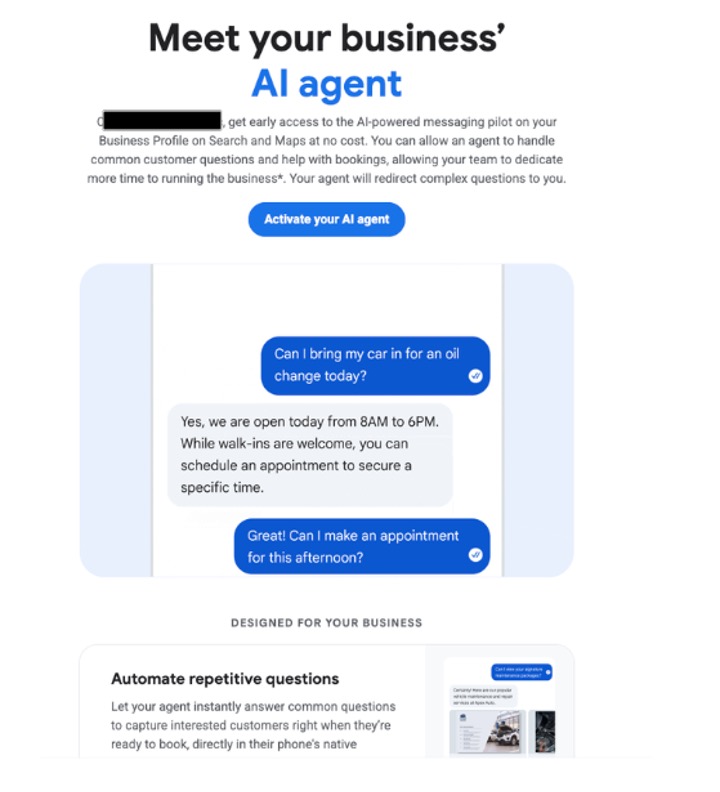
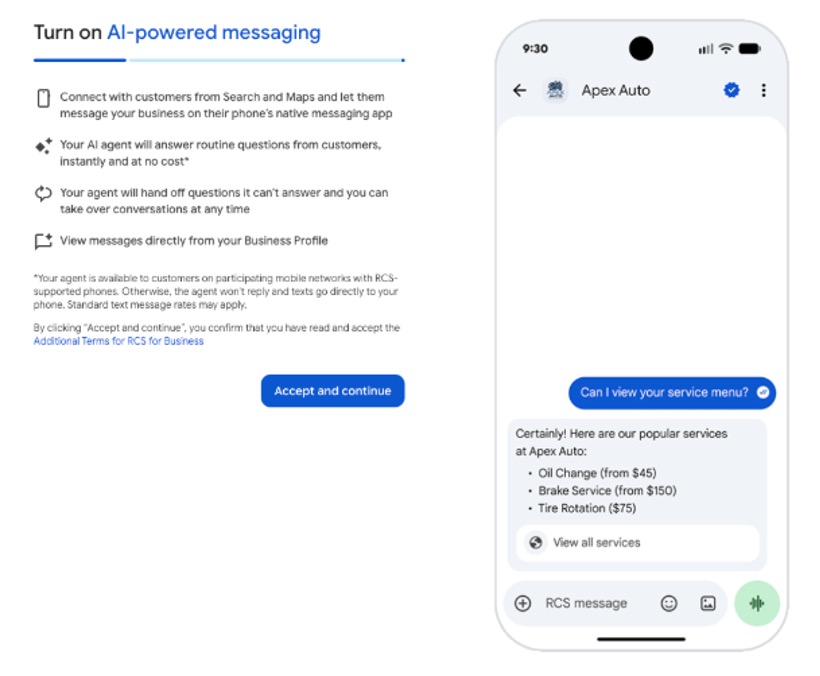
With this feature, an AI agent can automatically answer common questions about your business, help customers with bookings, and pass more complicated questions to you. Customers message from their phone’s native texting app, and you can step into any conversation when you want to. If you remember the old Business Profile chat that Google retired in 2024, this a more streamlined version of that. This update adds an AI layer between a customer’s first question and your team, so routine questions get answered quickly while the conversations that need a person still reach one.
Who Can Use It Right Now?
This is still a pilot, so it isn’t available to everyone. Google says availability is limited to certain business categories and countries, which means many businesses won’t see the option yet. Google is sending invitation emails to selected businesses with an option to activate the AI agent. You can also check directly by:
- Signing into the Google account that manages your Business Profile
- Search for your business name on Google
- Look for the Messages option in your Business Profile management panel
- If you’re eligible, you may see an option to activate AI-powered messaging
If you don’t see it, that just means this feature hasn’t reached your business yet.
How to Activate It: Step by Step
If you’ve been invited or spot the option on your profile, follow the steps below to complete the setup:
- Start the activation. Open the invitation email or select the activation option in your Business Profile, then choose “Activate your AI agent.” Review how the feature works and follow the on-screen instructions
- Complete the additional business confirmation. Google asks for more than standard profile verification here. Have these details ready:
- Your legal, registered business name and registered address
- Your own first and last name
- A valid business email address and phone number
- Your business website or official social media profile
- Links to your privacy policy and terms of service
- Your federal EIN or personal ID
Google then sends a confirmation email that you must approve before the review can begin. Once approved, AI-powered messaging becomes available on your profile.
- Confirm your chat number. Make sure a chat phone number is entered on your Business Profile
- Monitor and respond to messages. After activation, the agent handles incoming customer messages automatically. You can view conversations by searching for your business Google and selecting Messages, or from the Inbox section of Google Business Home.
How to Get Your Business Profile Ready
You don’t need an invitation to prepare, and the work pays off whether or not you get AI messaging soon. The agent can only answer with the information it has, so accurate details matter.
- Audit the basics. Check your hours (including holiday hours), phone number, service area, and business description, and make sure they match your website.
- Describe your services clearly. Use plain, specific language for what you offer. If a customer might ask whether you do something, your profile and website should answer it.
- Add FAQs to your website. Clear answers about pricing approach, service areas, and how booking works help real visitors and give AI systems reliable information to draw from.
- Gather your business documents. Having your registration details, website policies, and contact information ready makes the confirmation step much smoother.
- Decided who handles handoffs. Choose a person to monitor the “Needs your attention” inbox, and think through which topics should always go to a human
Customers searching on Google expect quick answers, and your Business Profile is often their first impression of you. For service businesses like roofers, plumbers, and contractors, many questions come in after hours or while the team is on a job site. An AI agent that handles routine questions and passes the rest to you could mean fewer missed opportunities, as long as the information behind it is accurate. Google’s local results lean more and more on profile details, website content, and reviews, so businesses that keep those pieces accurate and consistent are best positioned as search keeps evolving.
A strong Business Profile is the foundation of local visibility, and it’s something we work on with small businesses every day. Our local marketing efforts focus on improving Google Maps and local search visibility so customers in your area can find you, and we’ve help clients grow local and Map pack visibility by optimizing their profiles. Beyond the profile itself, we help other pieces work together: SEO for long-term organic visibility, Google Local Services Ads for pay-per-lead local calls, Google Ads and PPC for searches that need immediate visibility and website design that turns visitors into customers. If you’re not sure whether your Business Profile and website are giving customers (and Google) the right information, we’re happy to take a look. Request a free business review and we’ll walk through where your local visibility stands and where growth opportunities are.